The Christmas photo booth strip trend, in one tap
Add one photo, or one of each of you, and get the four-frame holiday strip people are posting this season: Santa hats, tinsel and a little snow sparkle. Free preview, no sign-up.
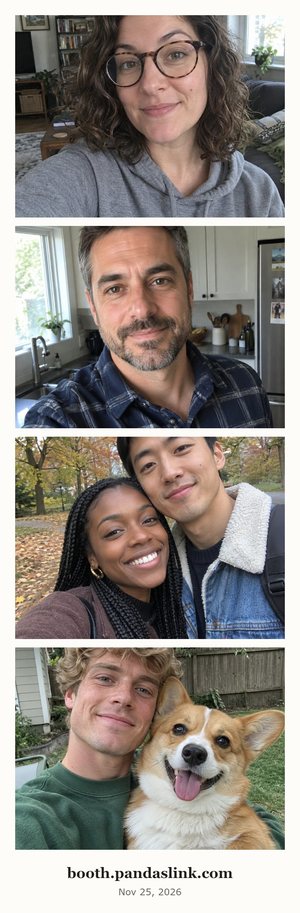
Four shots, one strip. Tap Start and allow the camera when your browser asks.
Your photos never leave your device. The strip is drawn in your browser and nothing is uploaded.
Your strip is ready
DownloadChange the layout, filter or frame and the strip updates.
Know someone who would want a go?
Link copied. Paste it into any chat.
Want a strip with someone who is far away? Try the AI booth for two.
AI photo booth: a strip with someone who is far away
Add one photo of each person and get one strip together, or try the other looks with a single photo. Free preview with our address on it; the full-size picture is $2.99.
1. Pick a look
2. Add your photo
A clear photo with the whole face visible works best. One person per photo.
They are not here?
Message copied. Paste it into any chat.
3 free previews a day
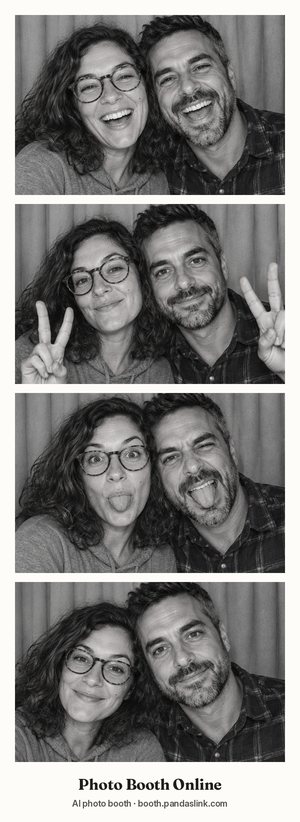
Example. Sample photos are AI-generated, not real people. Your free preview appears here.
Making your picture…
This usually takes under a minute. Keep this page open.
AI-generated picture. Look it over before you share or buy.
Full size, without the address printed over the picture. Secure payment by Stripe.
That one did not work out
Please try again. Failed pictures do not count against your free previews.
What the photo booth trend is
In November 2026 short videos of Christmas photo booth strips took off: four small frames, a Santa hat, some tinsel, a different face in every frame. Not all of them come from a real booth: plenty are made with an AI image tool from one ordinary selfie and posted like a strip a mall booth printed.
This page does the same thing without the prompt wrangling. You add a photo, wait about half a minute, and get a strip you can post. The strip says “AI photo booth” in its footer, so nobody mistakes it for a camera photo.
How to get a good strip
Use a clear photo where your whole face is visible and the light is even. Take off sunglasses, and skip photos where a hand or a phone covers part of your face. For two people, add one photo of each person rather than a group shot: the result keeps each face better that way.
The preview is free and carries our address. If you want the clean full-size file to print or frame, the HD strip is $2.99.
The prompt, if you would rather do it yourself
Paste this into any AI image tool that accepts a photo, together with your picture. Results differ from tool to tool; ours is tuned so you do not have to retry.
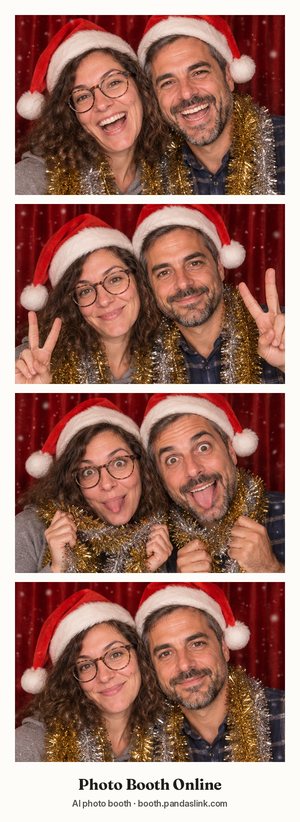
Using the photo I uploaded, make a vertical Christmas photo booth strip with four frames stacked on white photo paper. Keep my face, hair and glasses exactly as they are. In every frame I wear a red Santa hat and have tinsel around my shoulders, with a dark red curtain behind me and a few soft snow sparkles. Give each frame a different pose: laughing, a peace sign, a silly face, and a warm smile. Warm, slightly faded film colors with direct flash. Do not add any other people. No text on the strip.
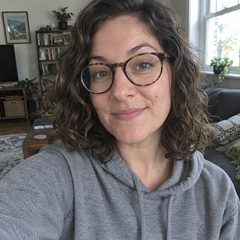
 The two sample photos that went in
Questions about this one
Do I need a real photo booth?
No. The strip is generated by AI from the photo you add. If you want real camera shots instead, the free webcam booth on this site takes four photos with your own camera.
Can I do the trend with a friend who is not with me?
Yes. Add one photo of each of you. You both need to be fine with it, so ask first.
What you can make here
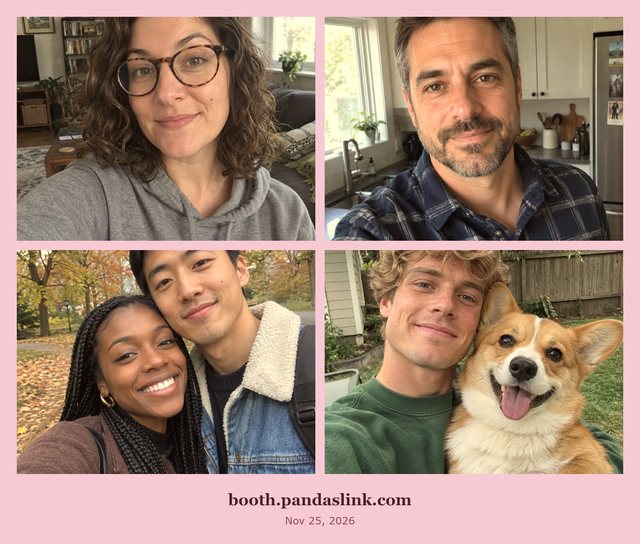 Photo strip makerFree. Camera or four photos from your library.
Long-distance photo boothOne photo of each of you, one strip together.
Christmas photo booth trendSanta hats, tinsel, four poses.
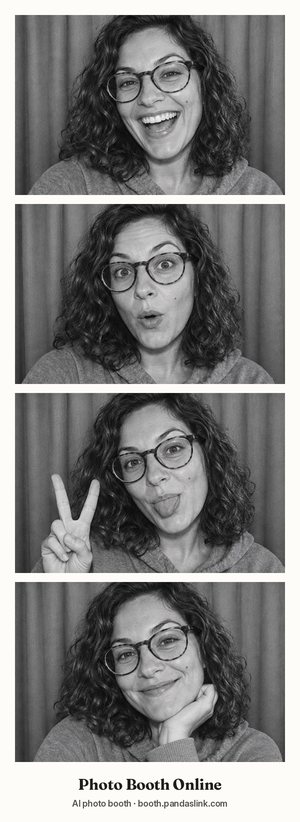 AI photo boothFour expressions from one photo.
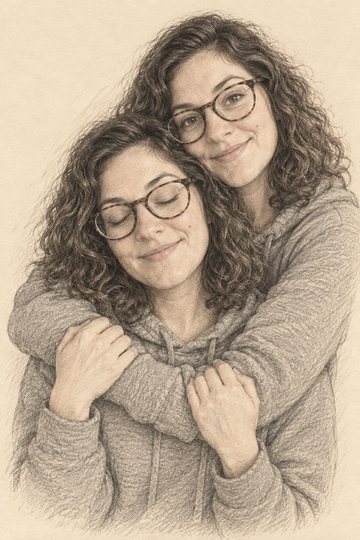 Hug from my own selfA soft pencil sketch: you, hugged by you.
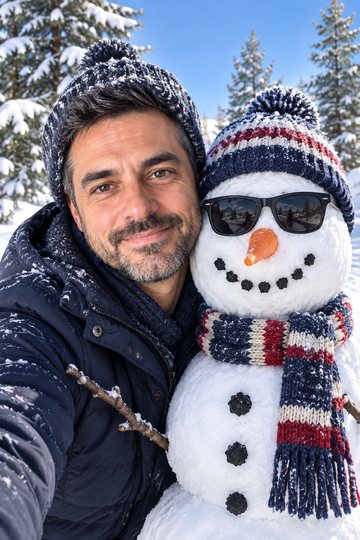 Snowman bestie selfieCheek to cheek with a snowman in sunglasses.
Sample photos are AI-generated, not real people. Every example was made from them with the same tools you use on this page.
How the online photo booth works
- Start the camera. Tap Start and allow the camera. It works on a laptop webcam and on a phone's front camera.
- 3-2-1, four times. The booth counts down before each shot, so you have time to change your pose.
- Pick the look and keep it. Choose a strip or a 2×2 grid, a filter and a frame color, then download or share. The date is printed in the footer.
Questions
Is this online photo booth really free?
Yes. The camera booth and the strip maker are free, with no sign-up and nothing printed over your photos. The AI booth gives 3 free previews a day; its full-size picture costs $2.99.
Are my photos uploaded?
Not in the camera booth: the strip is drawn in your browser and the photos never leave your device. The AI booth is different: the photo or photos you add there are sent once to our AI image provider (named in the privacy policy) to make the picture and are not saved on our servers. We keep only the finished picture so you can download it. Details are in our privacy policy.
The camera does not start. What can I do?
Allow camera access for this site in your browser settings and reload. If you opened the page inside another app, open it in your phone's own browser instead. Or tap “Use photos from my library” and pick four photos.
Can two people in different places be in one strip?
Yes, with the AI booth for two: add one photo of each person and you get one strip with both of you in four poses. It is an AI-generated picture, not a camera photo, and both of you should agree to it.
Whose photos can I use in the AI booth?
Your own, and photos of people who told you it is fine. Do not use photos of public figures or of anyone who has not agreed. The AI booth is for adults.
What do I get for $2.99?
The full-size file of the AI picture you previewed, without our address printed over it: a strip is an 800 × 2192 pixel PNG and a single picture is 1024 × 1536. AI strips keep the small line “AI photo booth · booth.pandaslink.com” in their footer.
Will the AI picture look like me?
It keeps things like your face, hair, glasses and beard, but it is AI-generated and can get details wrong. That is why the preview is free: check it before you pay. A clear, well-lit photo gives the best likeness.
How do I print a photo strip?
The classic strip is close to 2 × 6 inches. Two strips side by side fill one 4 × 6 inch photo print, so you can print two on one photo and cut it down the middle.
What if something goes wrong after I pay?
If the full-size picture does not download or does not match the preview you paid for, contact us and we will fix it or refund you. See our refund policy.